Clean, structured Markdown for your AI agents, notes apps, and repositories.
macOS 13 or later · Apple Silicon & Intel · 96 MB
macOS may show a security warning on first open.
Right-click the app → Open → Open to bypass it.
What it does
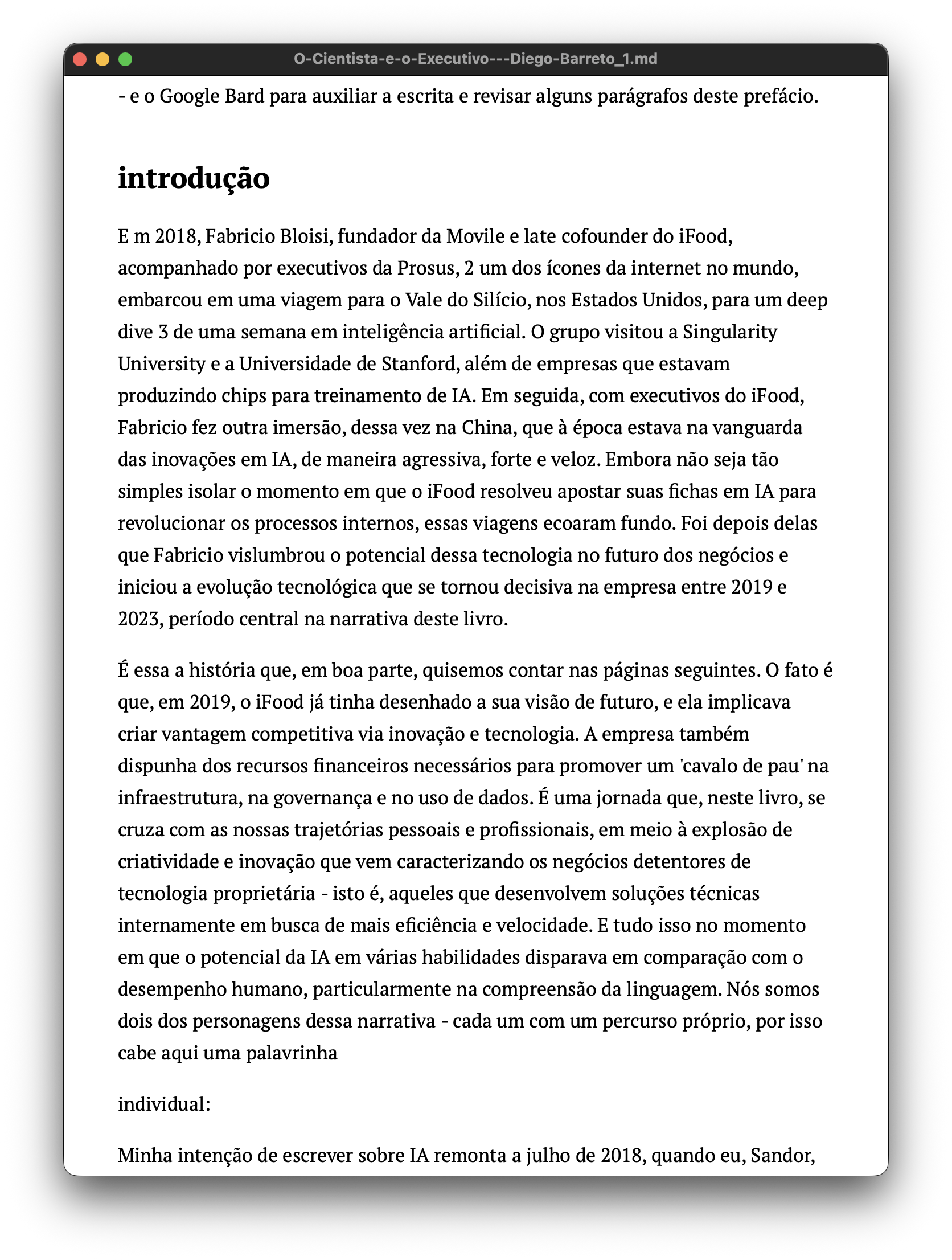
PDF, Word, ePub, PowerPoint, Excel, and RTF — MarkSign converts them all to clean, structured Markdown using a local pipeline built on docling, PyMuPDF, and MarkItDown. No cloud. No subscription. No copy-paste. The converted file appears next to the original, ready to use.
→ Source document
→ Converted Markdown
How it works
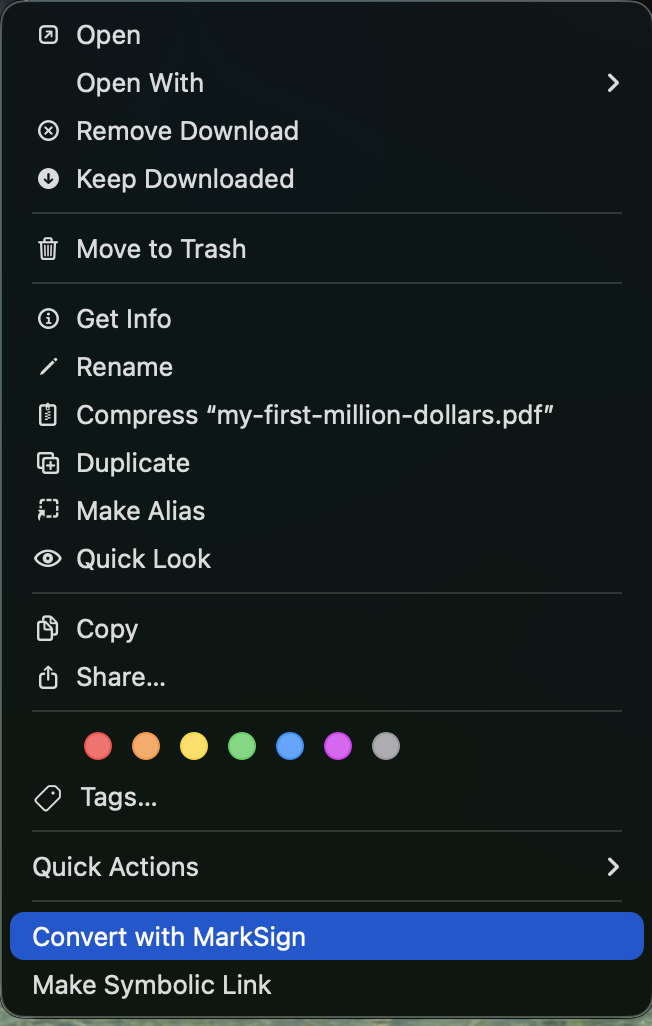
Select one or more files in Finder, right-click, and choose Convert with MarkSign. Batch conversion with no window required.
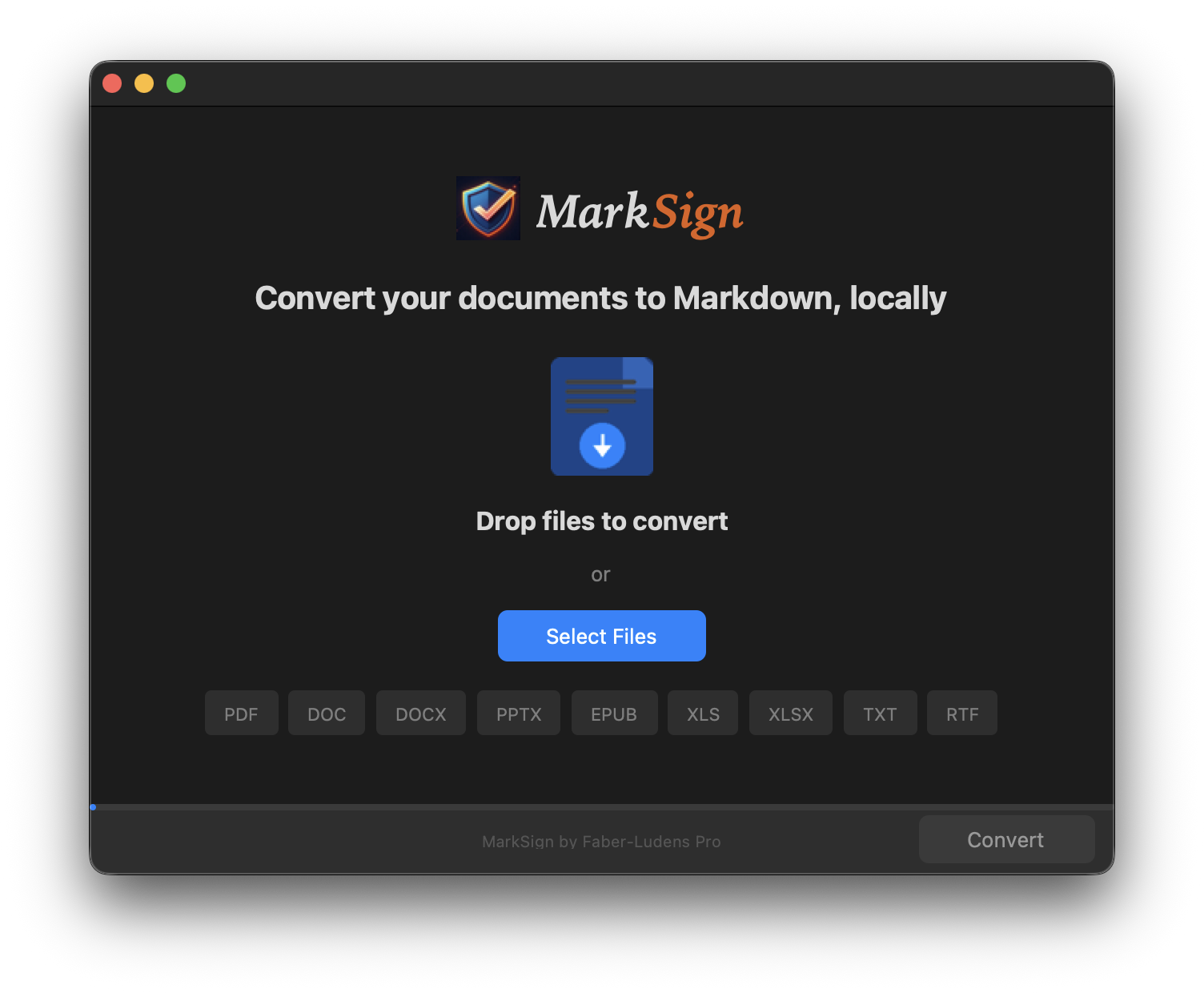
Drop any file onto the MarkSign window and the Markdown file appears next to the original — named, dated, and ready to use.
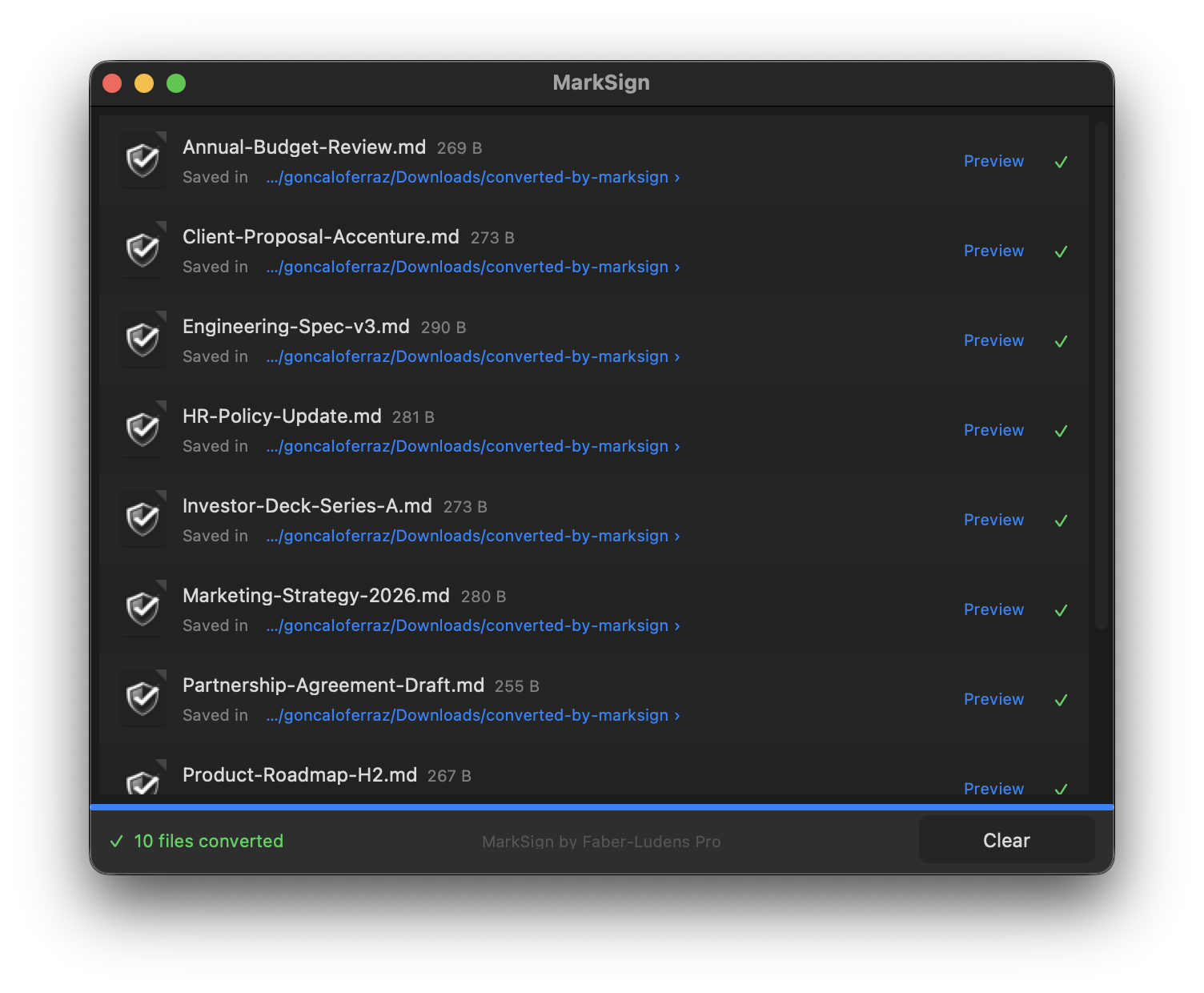
→ Batch conversion — multiple files at once
Who it's for
Feed client specs, research papers, or reports directly into Claude, ChatGPT, or Cursor as Markdown — the format they read natively.
Import any file into Obsidian, Bear, or Notion as structured Markdown without copy-paste or manual cleanup.
Add a Markdown version of any document to a code repository or content pipeline in one drag-and-drop — no scripts, no command line.
Supported formats
MarkSign selects the best converter automatically — you just drop the file.
Alpha testing
This is alpha software — it works, but some edge cases are not handled yet. If a conversion looks wrong or the app misbehaves, please open an issue. Every report helps.
Roadmap